


Simple tech safety for parents
Safe screens, not scared.
Clear, step-by-step help for parents handing a child their first phone, tablet or computer. Every guide uses real settings on a real screen, and ends with one thing you can do tonight.
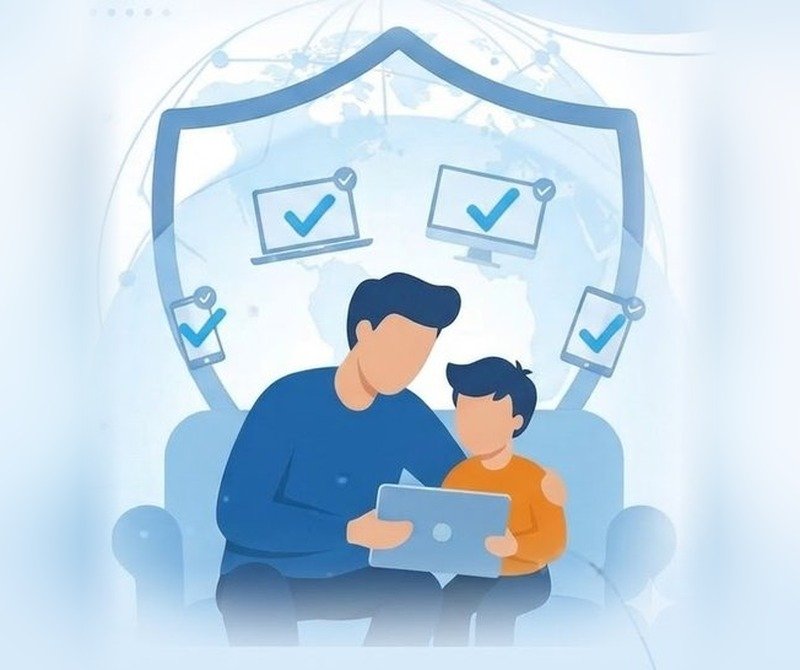
Every guide has the same three parts
So you always know what to expect, and can skip straight to the part you need.
A Real-World Alert
One sourced fact about what children face online today, with the source and year shown.
Steps on a real screen
Each setting shown on Google, Windows or the app itself, using test accounts and never a real child.
A Ten-Minute Fix
One action you can finish tonight, so every guide leaves you safer than you started.
Start here
See all guidesGoogle Family Link setup for parents
Screen time, app approvals and safe filters on an Android phone, in about ten minutes.
Microsoft Family Safety on Windows
Set limits and filters on a family computer or tablet, and read the weekly activity report.
5 settings to change before a first phone
The short list to work through before you hand a new device to your child.
Is Roblox safe? The parental controls to turn on
Chat, spending and content settings for one of the most popular games.
Real-World Alert
In 2025, US child-safety investigators received an average of 137 reports of financial sextortion every day. It often starts in private messages, which is why who can contact your child matters as much as what they can install.
Source: NCMEC CyberTipline data, 2025 (US data).
Read the Real-World AlertsThe Kid Device Safety Checklist
One page you can tick off, covering the settings to check before, during and after a child gets a device. Free, and sent to your inbox.
- Before the device: rules, apps and your own parent account
- Device settings: passcode, purchases, location
- Accounts: passwords and two-factor authentication
- Apps and games: age ratings, chat and privacy
- Ongoing: a monthly ten-minute review
Send me the checklist
Watch the guides
Short videos for quick fixes, and longer walkthroughs when you want every step.
Who is behind this
Kavin Bisht (Manoj Bisht) is the founder of Safe Screens for Children. The aim is simple: help parents feel confident about their children's devices, without fear and without jargon.
How every guide is checked
- Facts come from official sources, with the source and year shown.
- Steps are tested on a child test account before they are published.
- No real children or personal data ever appear on screen.
- Affiliate links are always disclosed, and only for tools we have tested.
- Each article shows the date it was last checked.
General education, not professional advice. If a child is in danger or has been targeted online, contact your local authorities. In the US you can report to the NCMEC CyberTipline.
Demonstrations use test accounts, and no children's data is shown. Some links on this site are affiliate links, and we may earn a commission at no extra cost to you.
Privacy Policy | Affiliate Disclosure | Disclaimer | Contact
- Sed ut perspiciatis unde omnis iste natus error
- Nemo enim ipsam voluptatem quia voluptas sit aspernatur
- Accusamus et iusto odio dignissimos ducimus qui blanditiis
- Nam libero tempore, cum soluta nobis est eligendi optio cumque
Why Work With Us
24/7 Smart Support
Cras enim urna, interdum nec porttitor vitae, sollicitudin eu eros. Praesent eget mollis nulla, non lacinia urna. Donec sit amet neque auctor, ornare dui rutrum, condimentum justo. Duis dictum, ex accumsan eleifend eleifend, ex justo aliquam nunc, in ultrices ante quam eget massa. Sed scelerisque, odio eu tempor pulvinar, magna tortor finibus lorem.




Related Videos
 ▶▶▶